


CLI v0.2.4 available now on npm

From prompt to
Playwright suite.

Turn plain-English test cases into production-ready Playwright + POM automation. Normalize, generate, and run with AI-assisted precision.

View on npm
Quick install
cementic-cli - interactive

Pipeline

A workflow that feels magical.

Stop writing boilerplate. Let CementicTest handle setup, page objects, and test structure so you can focus on the logic that matters.

01
Initialize your workspace
Scaffold a fully configured Playwright project with POM structure in seconds. TypeScript or JavaScript - your choice.
$ ct new my-project
02
Generate with AI
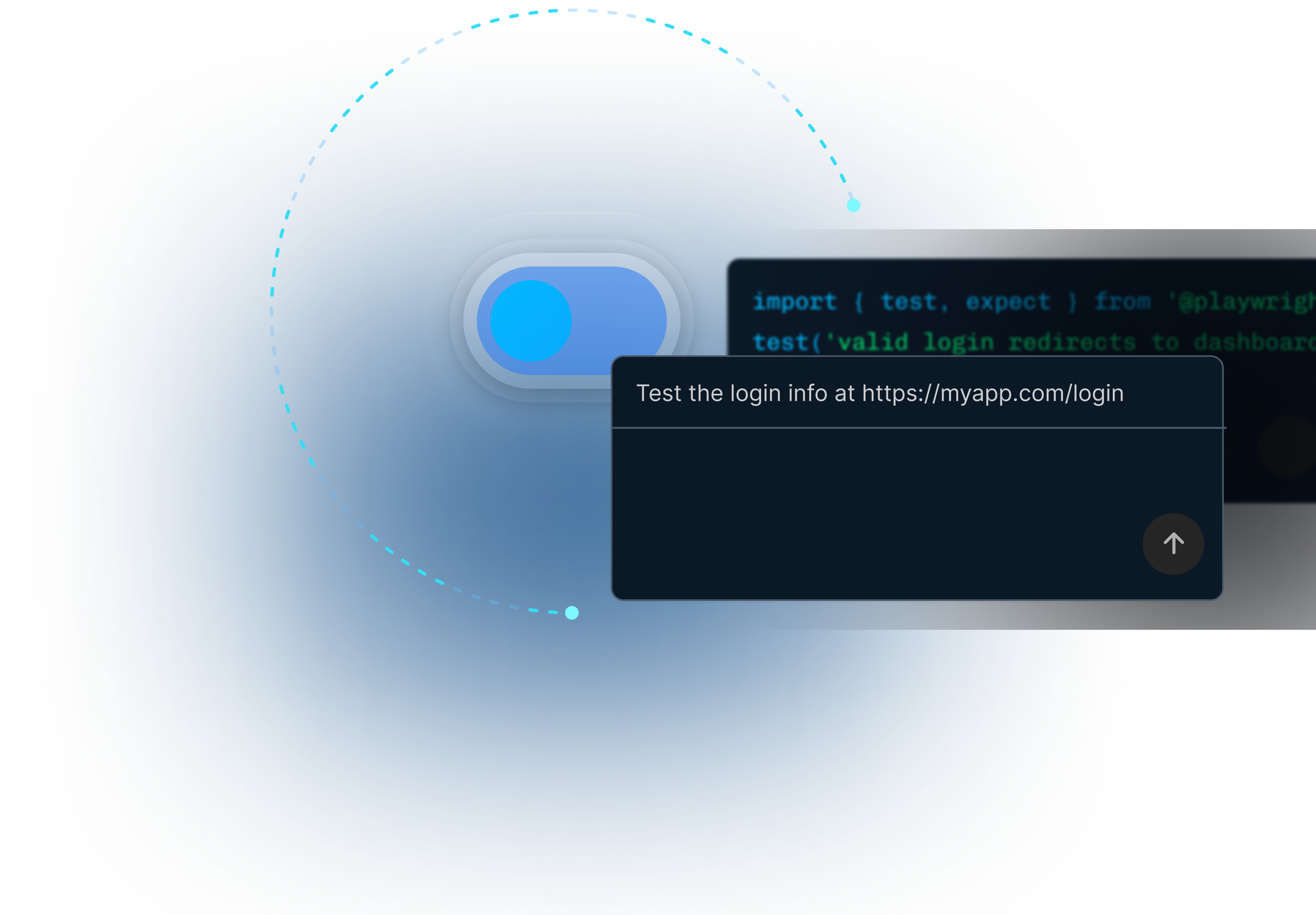
Point to a URL and let AI discover test cases, or describe them in plain English. CementicTest scrapes the real page - inputs, buttons, headings - and feeds live DOM context to Claude.
$ ct tc url https://myapp.com --ai --feature "Login form"
03
Normalize & generate tests
Plain-English cases are parsed into structured JSON, then compiled into real Playwright spec files with matching POM classes. Steps become actions, expected results become assertions.
$ ct normalize ./cases && ct gen --lang ts
04
Run - it's standard Playwright
No proprietary runner. No lock-in. Standard Playwright with HTML and Allure reports. CI/CD ready with auto-generated GitHub Actions workflow.
$ ct test # or ct flow (all steps in one)

Input → Output

Plain English in.
Playwright out.

Write what your feature should do. CementicTest generates the code, the page objects, and the assertions.

cases/auth.md - you write this
# AUTH-001 - User can log in @smoke
## Steps
1. Navigate to https://myapp.com/login
2. Fill in email with '[email protected]'
3. Fill in password with 'secret123'
4. Click the 'Sign In' button

## Expected Results
- Page redirects to /dashboard
- Welcome message is visible

# AUTH-002 - Login fails bad credentials @negative
## Steps
1. Navigate to https://myapp.com/login
2. Fill email '[email protected]'
3. Click 'Sign In'

## Expected Results
- Error 'Invalid credentials' is visible
tests/generated/auth-AUTH-001.spec.ts
import { test, expect } from '@playwright/test';
import { AuthPage } from '../../pages/AuthPage';

test('AUTH-001 - User can log in',
  async ({ page }) => {
  const p = new AuthPage(page);
  await p.goto();
  await p.waitForLoad();

  await page.getByLabel('email')
    .fill('[email protected]');
  await page.getByLabel('password')
    .fill('secret123');
  await page.getByRole('button',
    { name: 'Sign In' }).click();

  await expect(page)
    .toHaveURL(/\/dashboard/);
  await expect(
    page.getByText('Welcome'))
    .toBeVisible();
});

Capabilities

CLI today. Web app coming.

The CLI is available now on npm. The browser-based testing engine is in active development.

AI-Powered Authoring
Generate comprehensive test cases from simple prompts. Point at any live URL and let Claude analyze real DOM for accurate, grounded test cases.
Available now
CLI-First Workflow
Built for developers who live in the terminal. Fast, scriptable, integrates perfectly with CI/CD. One command runs the entire pipeline end-to-end.
Available now
URL-Aware Scraping
CementicTest visits your page with a real Playwright browser, capturing JS-rendered content. SPAs, React, Next.js, Vue - it sees what a real user sees.
Available now
POM Generation
Automatically creates Page Object Models, keeping your test code clean and maintainable. The right class per feature, never overwriting your custom edits.
Available now
Instant Normalization
Convert messy human-written test ideas into structured, machine-readable JSON instantly. IDs extracted, steps parsed, review flags set - automatically.
Available now
Web App - Chat Testing
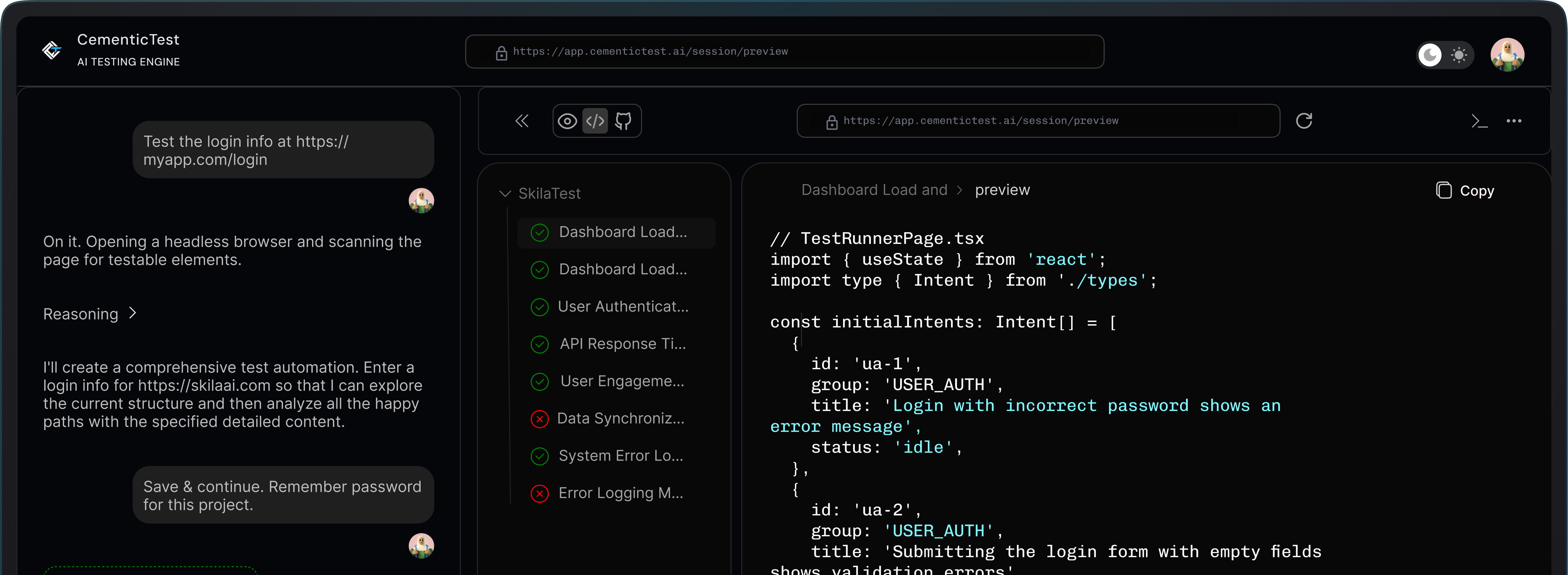
Describe your feature in chat. Watch tests run live in a cloud browser. Results stream back in real time. No install, no config, no friction.
Coming soon

Documentation

Everything you need
to get started.

Full CLI reference. All commands, flags, and configuration options.

Quick Start
Install globally (recommended)
Install CementicTest CLI globally for the best experience.
$ npm install -g @cementic/cementic-test
Initialize a project
$ ct new my-project
Verify installation
$ ct --version
CLI Commands
ct tc - Generate test cases
Create plain-English test cases manually or with AI. Use the url subcommand for page-aware generation.
$ ct tc --feature "Login form" --ai
$ ct tc url https://myapp.com --ai --count 5
ct normalize - Parse cases to JSON
Converts your Markdown test cases into structured JSON for code generation.
$ ct normalize ./cases
ct gen - Generate Playwright tests
Creates spec files and POM classes from normalized JSON. Never overwrites your custom edits.
$ ct gen --lang ts --out tests/e2e
ct flow - Full pipeline in one command
$ ct flow ./cases --lang ts
ct ci - Generate GitHub Actions workflow
$ ct ci
Configuration
LLM API Keys
Claude (Anthropic) is recommended. Any OpenAI-compatible endpoint also works as a fallback.
export ANTHROPIC_API_KEY=your-key # recommended
export OPENAI_API_KEY=your-key # fallback
Custom model or base URL
export CT_LLM_MODEL=claude-sonnet-4-5
export CT_LLM_BASE_URL=https://api.openai.com/v1

Early access
Be first in
the web app.

The CLI is live. The browser-based testing engine is being built right now. Join the waitlist for early access, founding pricing, and direct input on what we build next.

Early access before public launch
Founding member pricing - locked forever
Direct line to the team
Built by Testamplify - trusted by QA teams globally
No spam. Unsubscribe any time.
Built by Testamplify - the testing education & tooling platform.